The Clean Handoff: Your 5-Step Checklist for a Stress-Free Tax Filing

You know the drill. It's tax season, and your CPA sends the email: "Need your books ASAP to file on time."
So you scramble. You forward a dozen random PDFs. You attach last month's P&L (maybe). You send a follow-up with, "Oh wait, here's that receipt I forgot." Then another: "Actually, ignore that first spreadsheet, use this one."
Your CPA spends hours hunting for documents, reconciling inconsistencies, and trying to figure out what your books are actually saying. By the time they get to the strategy part—you know, the part where they save you money—they're already exhausted.
Here's the truth: A messy handoff costs you time, money, and peace of mind.
But a clean handoff? That's a different story. It turns tax season from a scramble into a smooth, professional exchange that sets your CPA up to do their best work.
This isn't about being perfect. It's about being organized, proactive, and intentional with how you close your books and hand them off. And it starts way before April.
Let's break down the five steps that make it happen.
Step 1: Set a Hard "Close Date" (And Stick to It)
The biggest mistake we see? Business owners treating year-end like a suggestion instead of a deadline.
Your bookkeeper needs a hard cutoff date to lock the books and ensure everything is reconciled, categorized, and ready for review. Without it, you end up with a rolling disaster: transactions trickling in, adjustments happening in real time, and your CPA working off incomplete data.
Here's how to do it right:
- Pick your close date. For most businesses, this is January 31st for a December 31st year-end. That gives your bookkeeper a full month to reconcile every bank account, categorize stragglers, track down missing receipts, and review the P&L for accuracy.
- Communicate the date to everyone. Your bookkeeper, your CPA, and anyone on your team who touches the books needs to know: After January 31st, the books are closed. No exceptions.
- Enforce it. If someone finds a December expense in March, that's fine—it gets recorded as a prior-period adjustment, not a sneaky edit to closed books. Clean books require boundaries.
When your CPA receives your financials on February 1st (not April 10th), they have time to review, ask questions, and plan strategically. That's the difference between reactive filing and proactive tax savings.

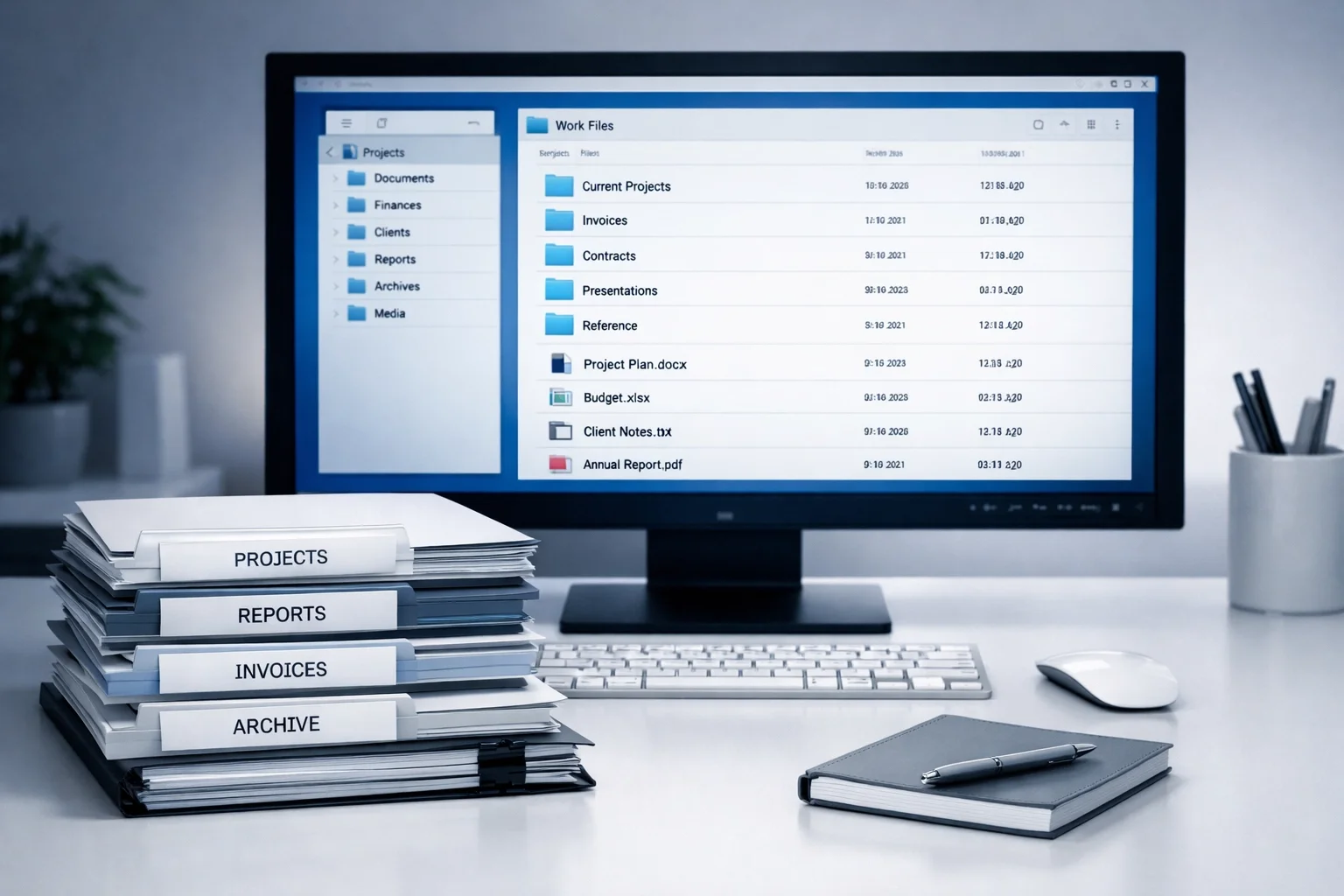
Step 2: Build a Digital Document Portal (No More Shoebox)
Your CPA doesn't want to dig through your email inbox, your Google Drive, your Dropbox, and three random attachments titled "Expenses_Final_FINAL_v3.pdf."
They want one organized location with everything they need, clearly labeled and easy to find. Here's what belongs in your tax prep folder:
Financial Statements
- Balance sheet (as of 12/31)
- Profit & loss statement (full year)
- Cash flow statement (if applicable)
Reconciliation Proofs
- Bank reconciliations for every account
- Credit card reconciliations
- Loan statements showing year-end balances
Income Documentation
- 1099s received
- Merchant processing summaries (Stripe, Square, PayPal)
- Invoices for any large or unusual income
Expense Support
- Receipts for major purchases (equipment, vehicles, software)
- Mileage logs (if claiming vehicle deductions)
- Home office calculations (if applicable)
- Charitable contribution receipts (nonprofits especially)
Payroll Records
- W-2s and W-3 summary
- 941 quarterly reports
- Year-end payroll summary
- 1099-NEC forms for contractors
Tax Payment Records
- Estimated tax payment confirmations
- Payroll tax deposits
- State and local tax payments
Pro tip: Use a shared folder in Google Drive, Dropbox, or a client portal like ShareFile. Name your files clearly: 2025_BankRec_Checking.pdf beats December stuff.pdf every time.
A clean portal saves your CPA hours of detective work. And those saved hours? They go toward strategy, not scavenger hunts.
For more on staying organized year-round, check out: Moving Beyond Month-End: Why Your Bookkeeping Should Be Happening Every Single Day.
The Q&A loop also creates a paper trail that protects everyone. If the IRS ever asks, "Why did you classify this that way?": you've got receipts (literally and figuratively).
Step 3: Facilitate the Q&A Loop (So You're Not the Middleman)
Here's a scenario we see constantly: Your CPA has a question about a transaction. They email you. You forward it to your bookkeeper. Your bookkeeper responds. You forward that back to your CPA. Repeat 47 times.
You've just turned yourself into a human email relay. Exhausting, inefficient, and totally avoidable.
The fix: Set up direct communication between your bookkeeper and your CPA.
Before you hand off the books, introduce them and give them permission to talk directly. A simple email like this works:
"Hi [CPA] and [Bookkeeper], you're both cleared to discuss anything related to our 2025 books. Please loop me in on major decisions, but feel free to handle clarifications and technical questions directly. Thanks!"
Then, create a shared Q&A document where questions, answers, and decisions get logged in one place. This keeps everyone aligned and prevents the same question from being asked three times in three different threads.
What this looks like in practice:
- Your CPA spots an unusual transaction: "Why is there a $12,000 deduction in 'Office Supplies'?"
- Your bookkeeper responds directly: "That's the annual software license: should be reclassified to 'Software & Subscriptions.'"
- Adjustment made. Question resolved. You didn't lift a finger.
The Q&A loop also creates a paper trail that protects everyone. If the IRS ever asks, "Why did you classify this that way?": you've got receipts (literally and figuratively).
Step 4: Review the Trial Balance Before You Hit "Send"
Most business owners hand off their financials without ever looking at them. Big mistake.
Your trial balance (a report showing every account balance) is your last chance to catch errors before your CPA does. And trust us: you want to catch them first.
Here's what to look for:
Red Flags on the Balance Sheet
- Negative cash balances: Unless you're actually overdrawn, this is a reconciliation error.
- Accounts receivable that don't make sense: If you're usually paid upfront, AR should be near zero.
- Old liabilities still sitting there: Did you pay off that loan in March? It shouldn't still show a balance at year-end.
- Owner's equity swings: Large, unexplained changes often mean personal and business transactions were mixed.
Red Flags on the Profit & Loss
- "Miscellaneous" or "Ask My Accountant" balances: Every transaction should have a real home.
- Personal expenses hiding in business categories: That family vacation isn't a business meal.
- Round numbers that look too clean: Exactly $10,000 in office supplies? That’s an audit magnet.
- Missing categories: If you ran payroll but don't see payroll expense on the report, something is broken.
If something looks off, ask your bookkeeper before you send it to your CPA. Fixing it now takes minutes. Fixing it during tax prep costs hours (and expensive CPA fees).
For a deeper dive into cleanup strategies, check out: The Nonprofit's Guide to Bookkeeping Cleanup Before Audit Season 2026.
Step 5: Confirm the Handoff (And Set Expectations)
The handoff isn't complete until both sides confirm they're on the same page. Before you close the loop, send your CPA a handoff memo that covers:
- What's Included: Confirm that all financials and reconciliations are in the shared folder and the books are officially closed.
- What's Outstanding: Are you still waiting on one final 1099 or a specific receipt? Let them know now so they don't have to ask later.
- Key Changes: Did you buy a vehicle, hire your first employee, or change your business structure this year? Summarize the big moves.
- Your Availability: Set boundaries. Let them know when you’re available for questions and what the best way to reach you is.
This kind of clarity prevents surprises and keeps the process moving. Your CPA knows exactly what they're working with, and you've set professional boundaries around your time.
Bonus step: Schedule a post-filing debrief. Once your return is done, spend 30 minutes with your CPA reviewing what worked and how to improve next year. That feedback loop makes every tax season smoother than the last.

The Bottom Line: A Clean Handoff Is a Gift to Everyone
A smooth tax filing doesn't start in April. It starts with a commitment to organized, year-round bookkeeping and a professional, respectful handoff to your CPA.
When you close your books on time, organize your documents, and review your numbers before sending, you save time, reduce stress, and give your CPA the space to do what they do best: save you money.
So don't wait until March to start thinking about your taxes. Close your books clean, hand them off smart, and give yourself the gift of a stress-free filing season.
Ready to hand off clean books with confidence?
Stop the scrambling and the shoeboxes. We provide organized, accurate financials that are ready the moment your CPA needs them.
Support You Toward Your Financial High PointSee how we can Support You Toward Your Financial High Point.
